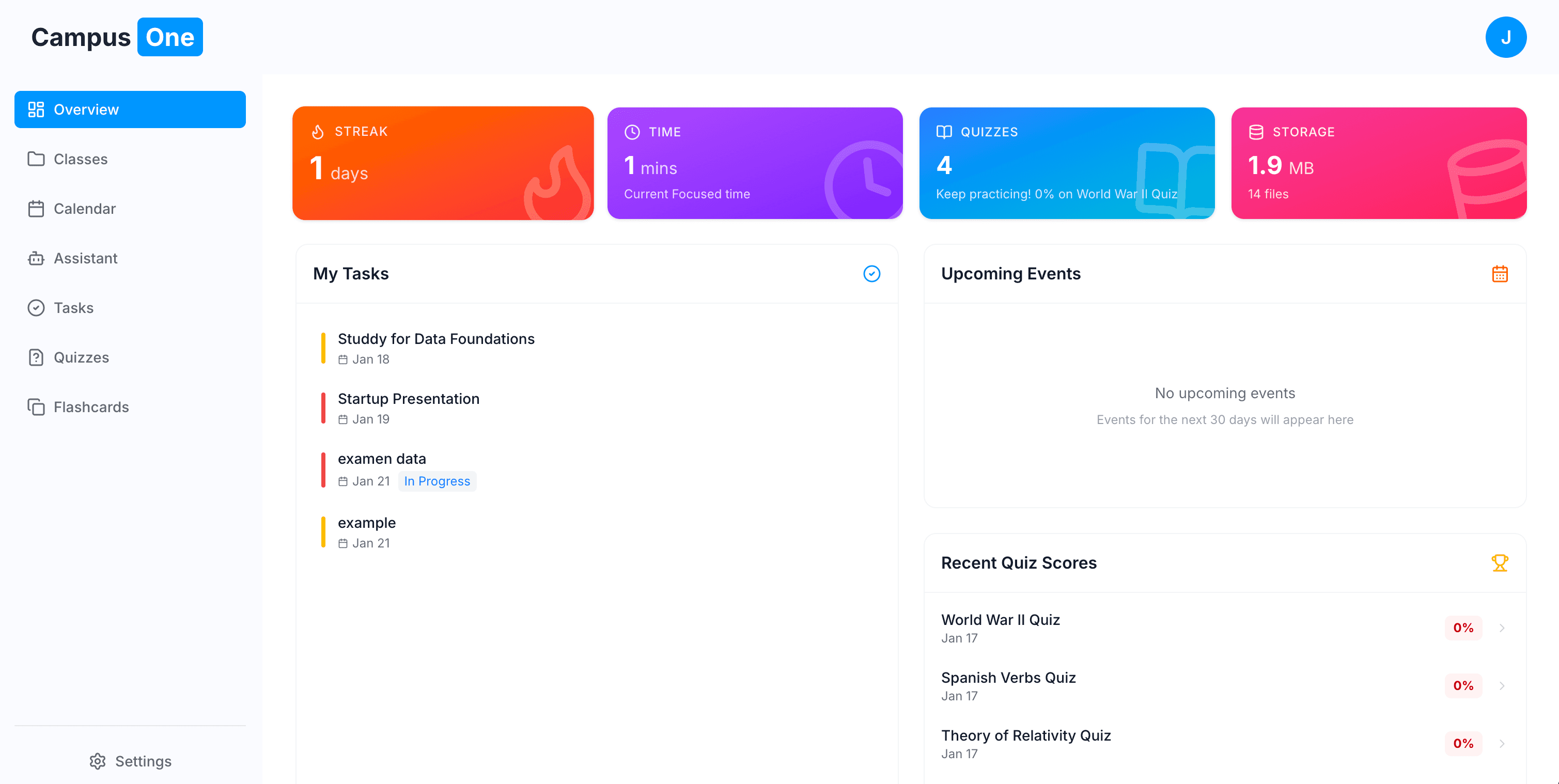
Building CampusOne: Turning a Mockup Into a Full-Stack AI Ecosystem
A 30-hour sprint from a school assignment to a functional AI study platform with tool-using agents, structured execution APIs, and a scalable architecture.
The Summary: What started as a simple mockup assignment ended as a full-stack AI study system with tool-using agents, structured backend execution, and a modular architecture designed to support future expansion.
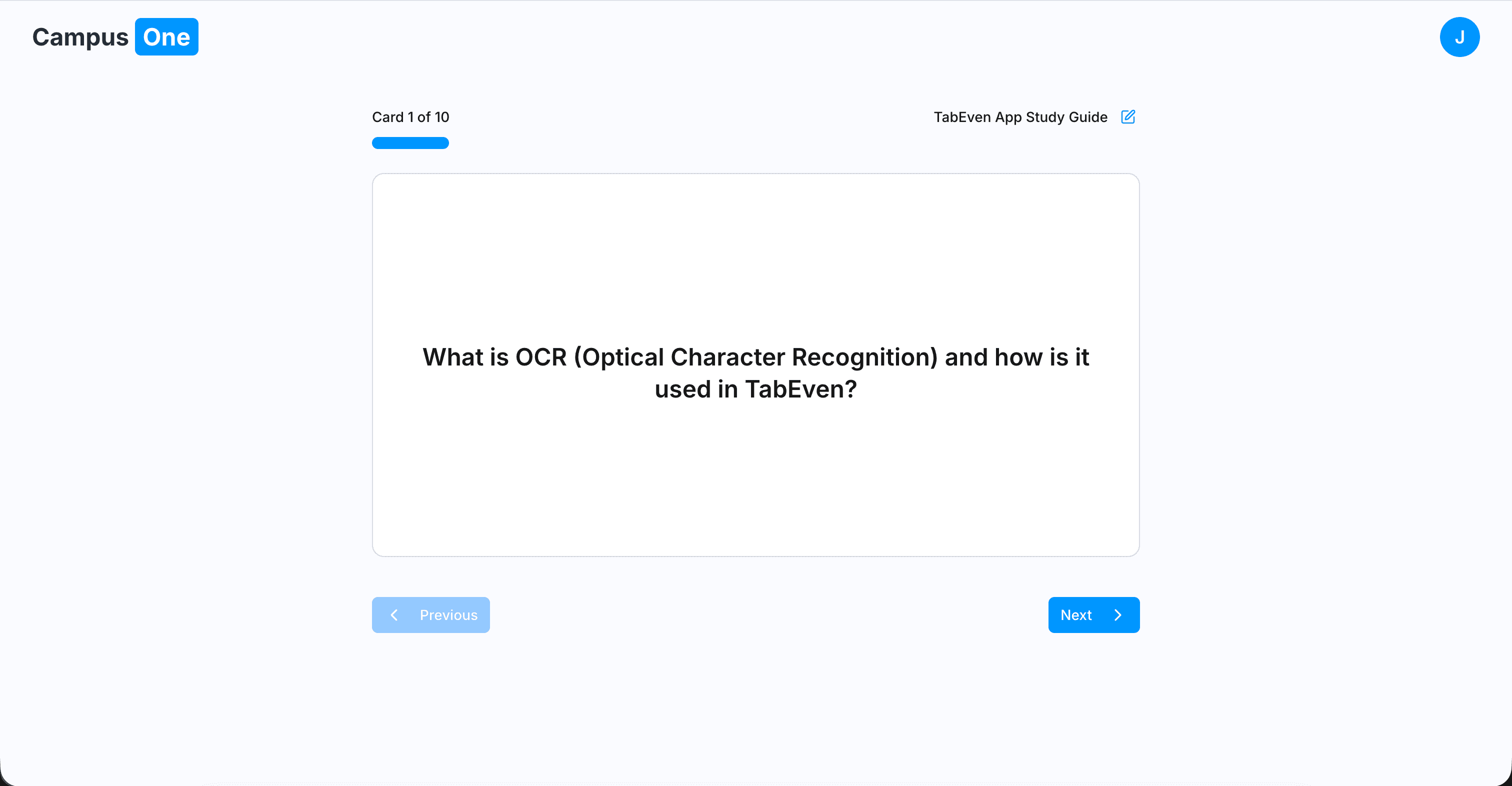
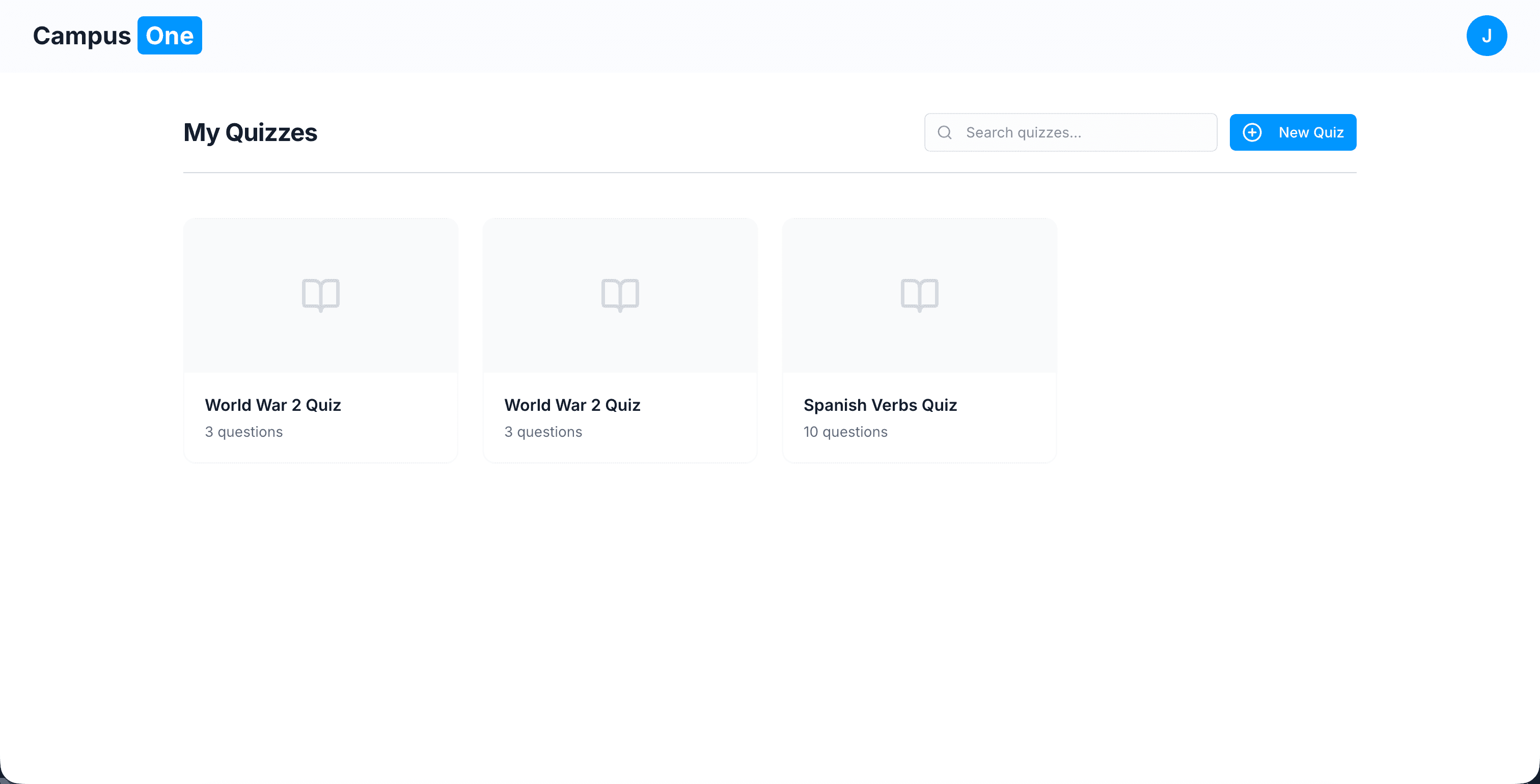
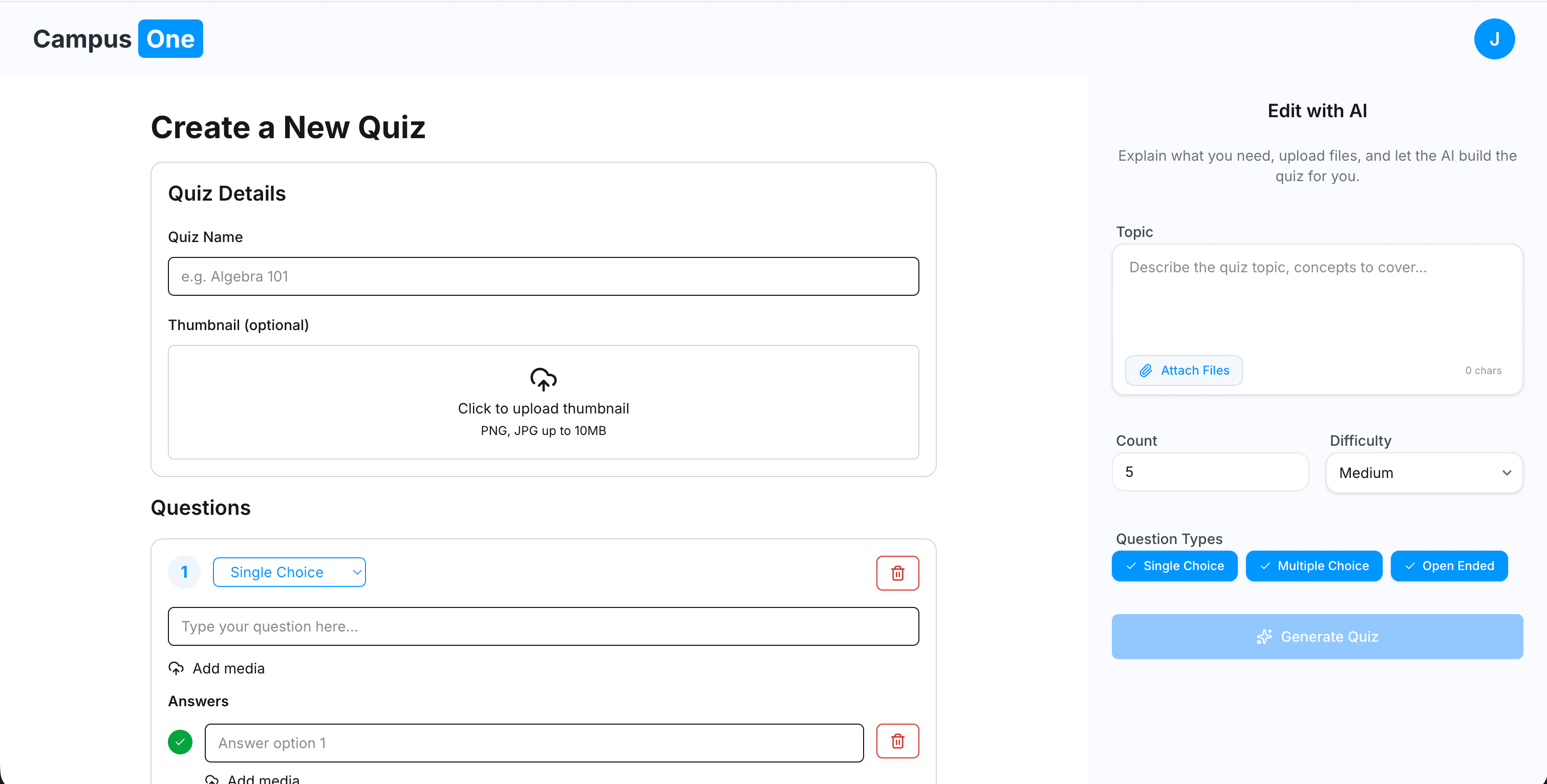
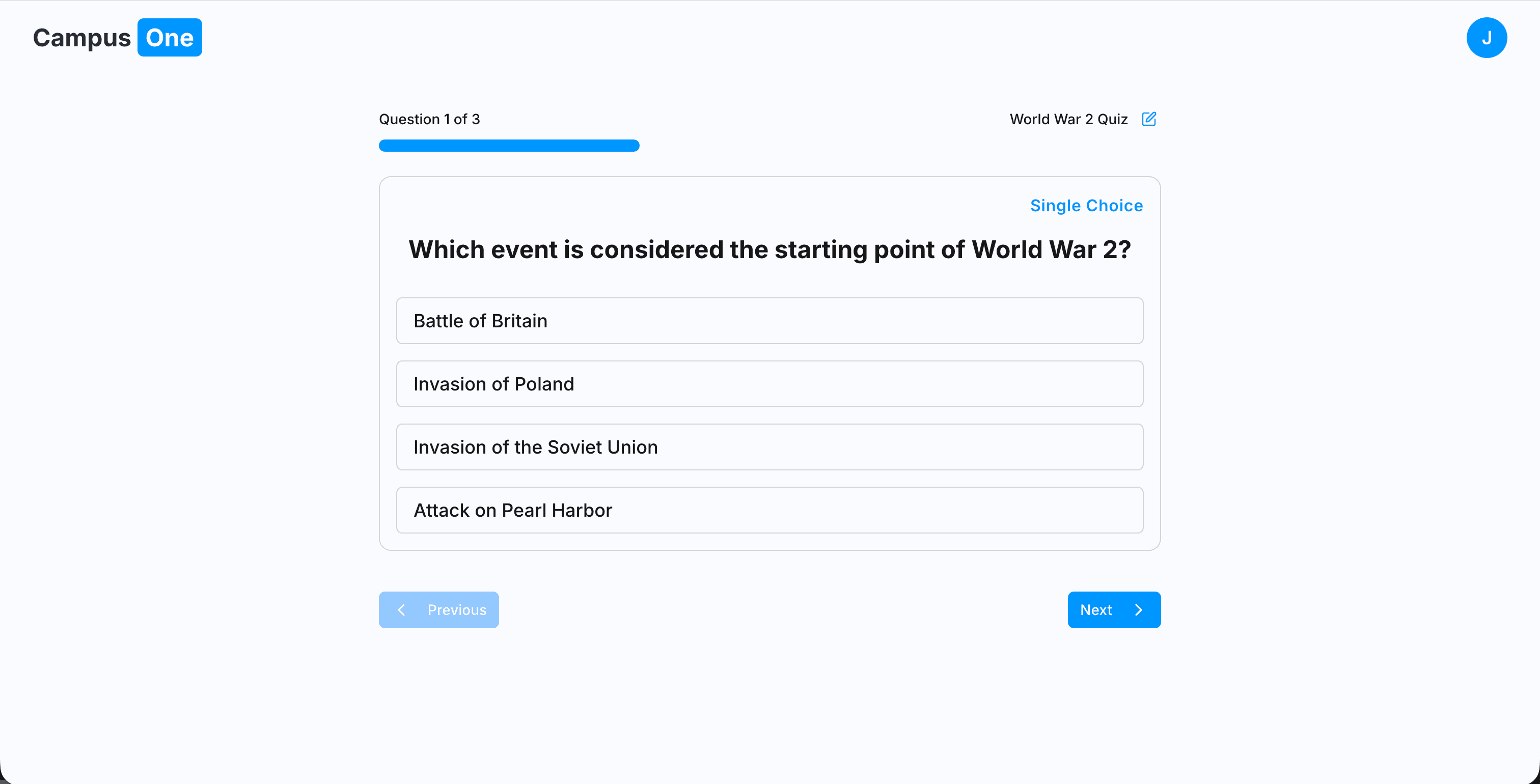
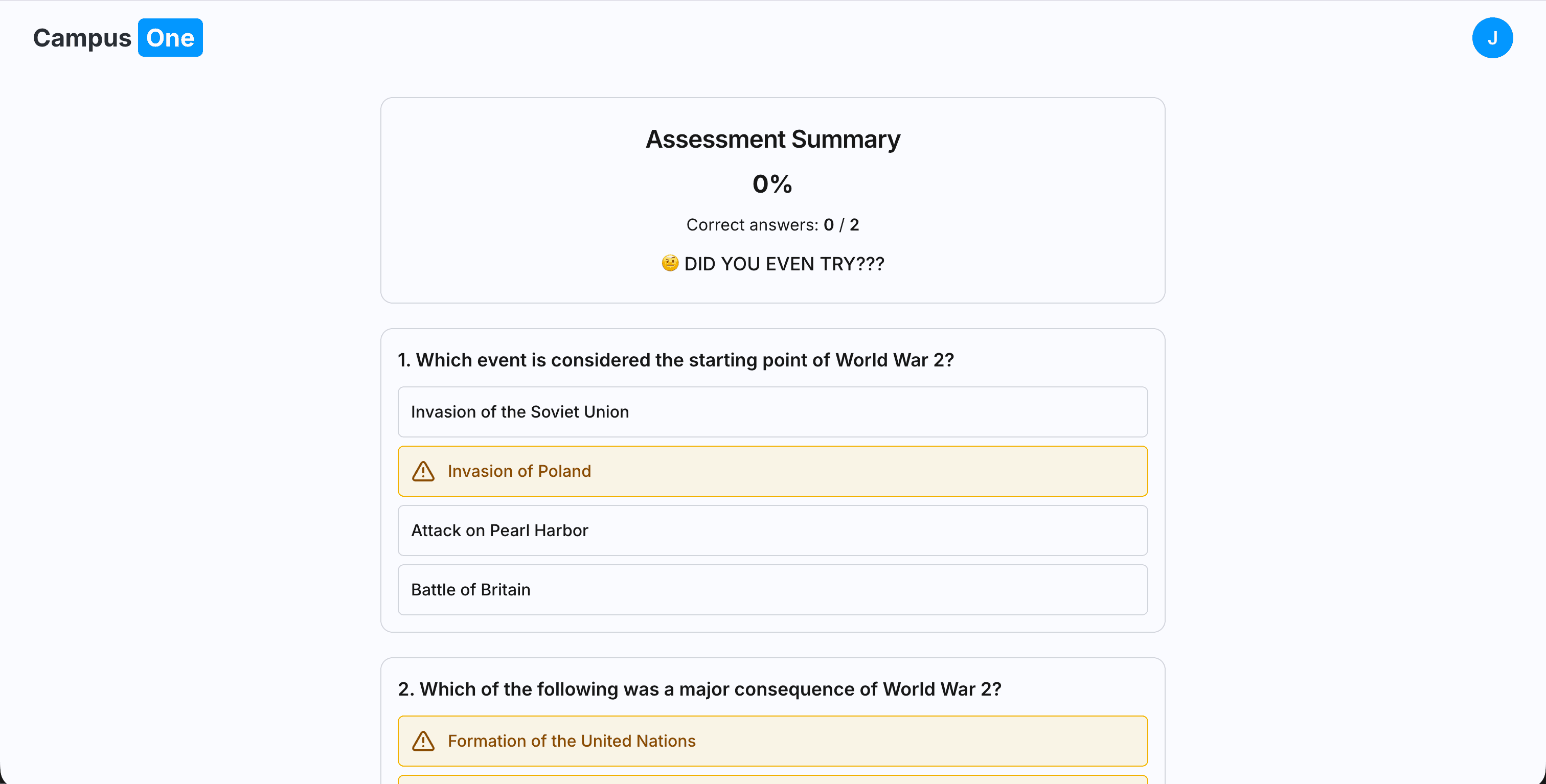
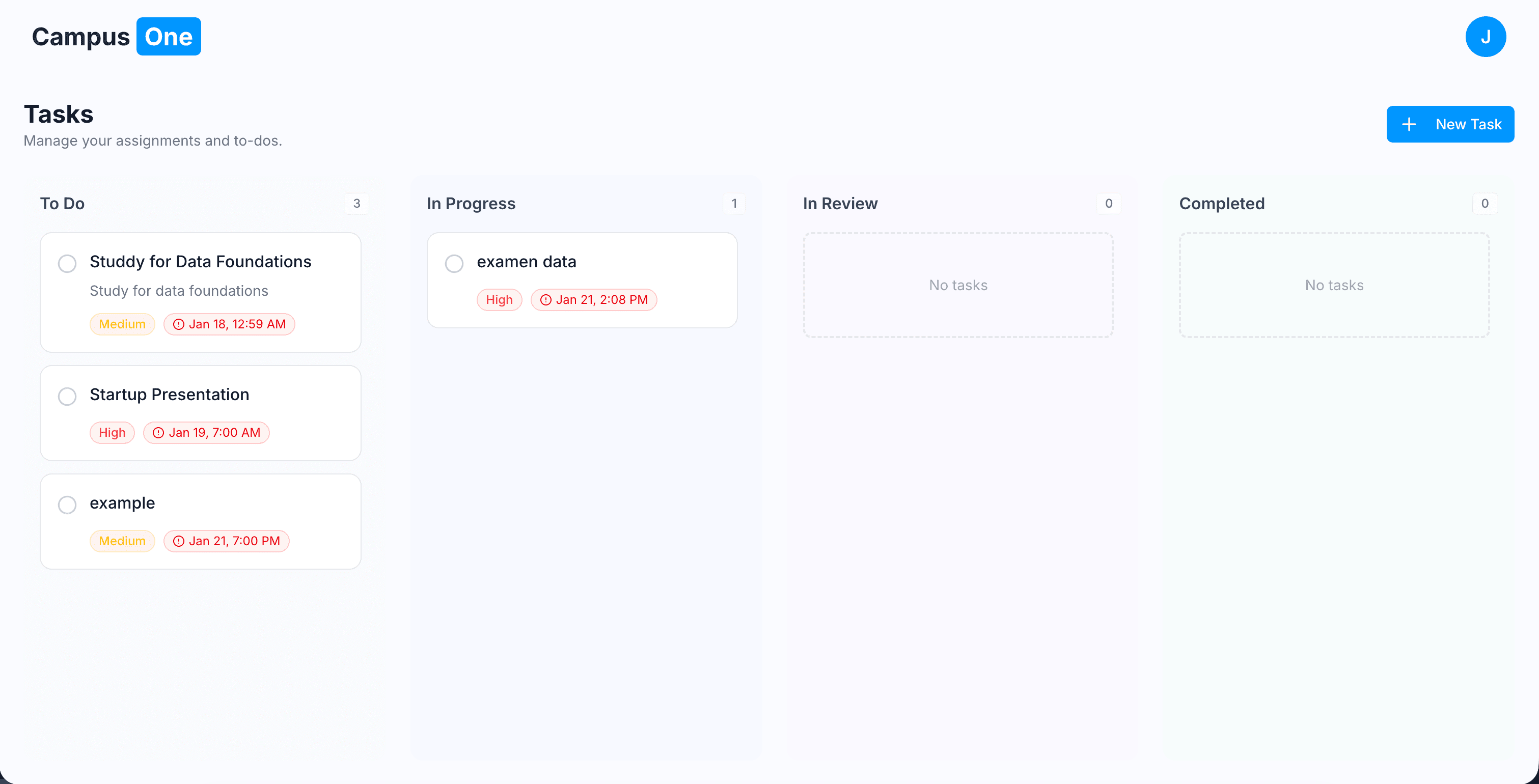
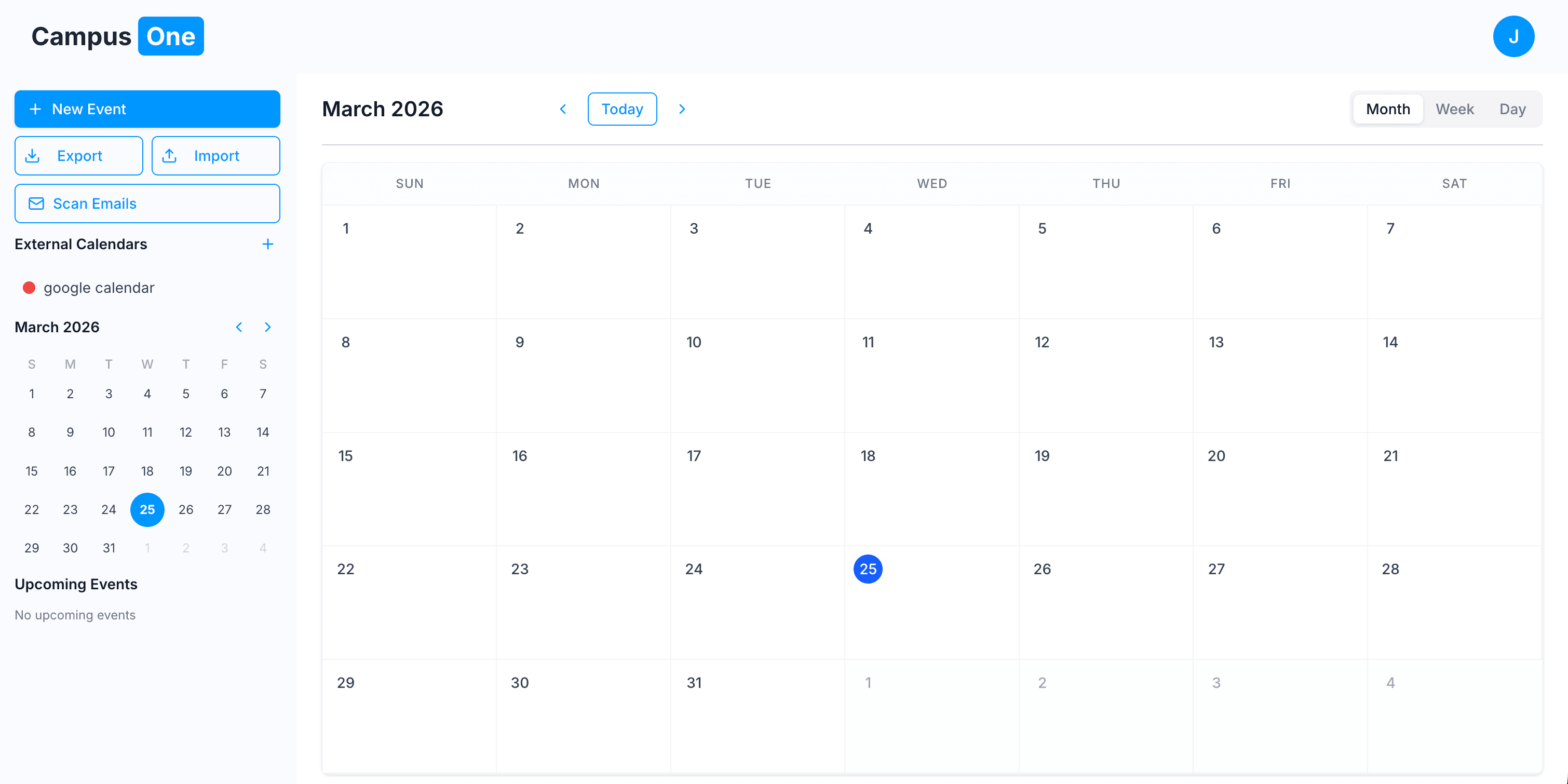
The Assignment That Changed Direction
The assignment was simple: design a startup mockup.
For most people, that means a Figma file, some UI screens, and placeholder text.
But mockups don’t solve problems. Code does.
So instead of stopping at design, I decided to push it into a full working system. I wanted to see how far I could go if I treated it like a real product instead of a school task.
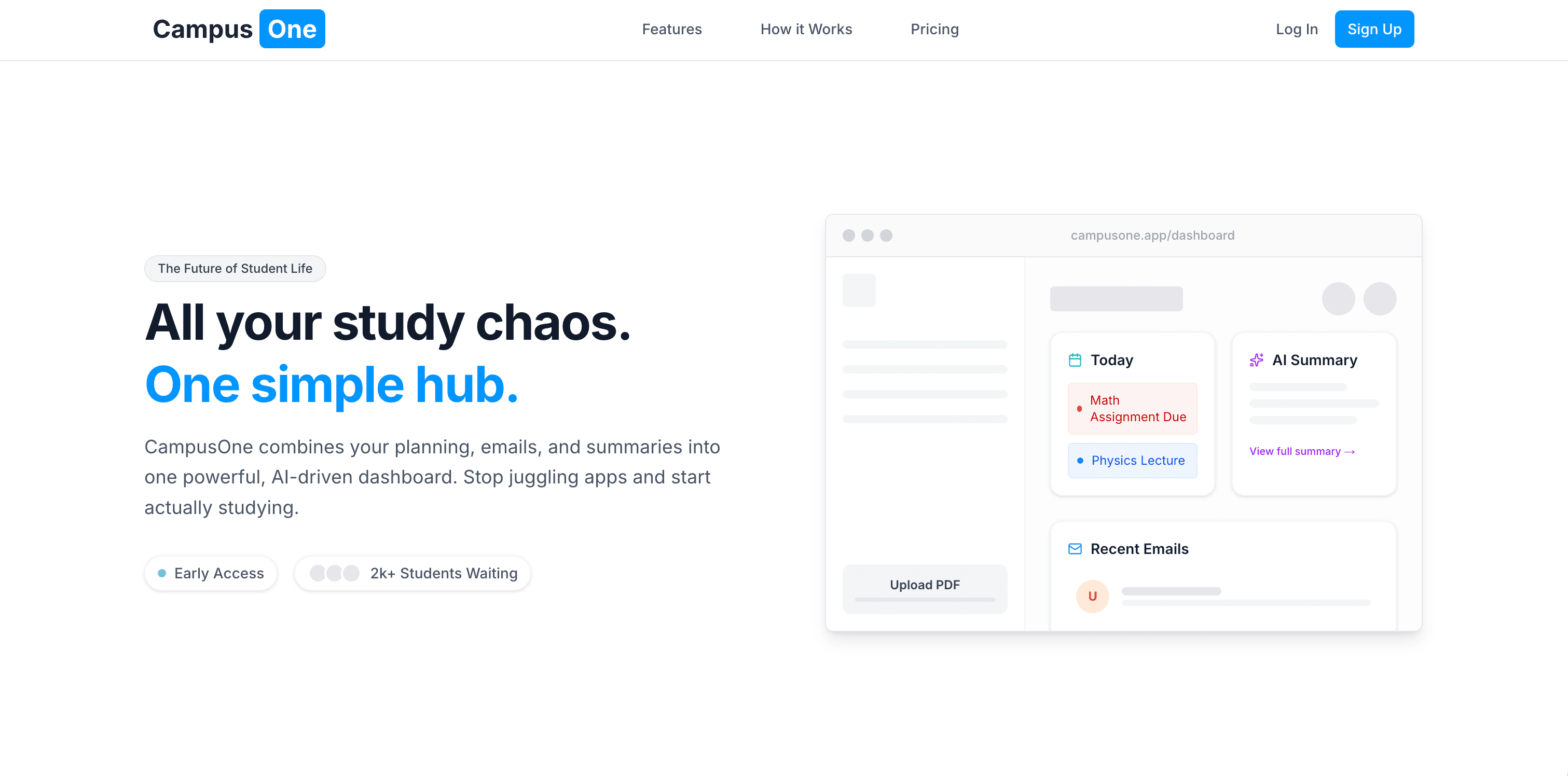
Thirty hours and way too much caffeine later, CampusOne was born. It isn’t just an app it’s a proof-of-concept for how AI can be integrated as a real utility inside a learning system.
Core Engineering: The Action-Oriented Assistant
Most AI study tools are just wrappers around an LLM they send a prompt and display text.
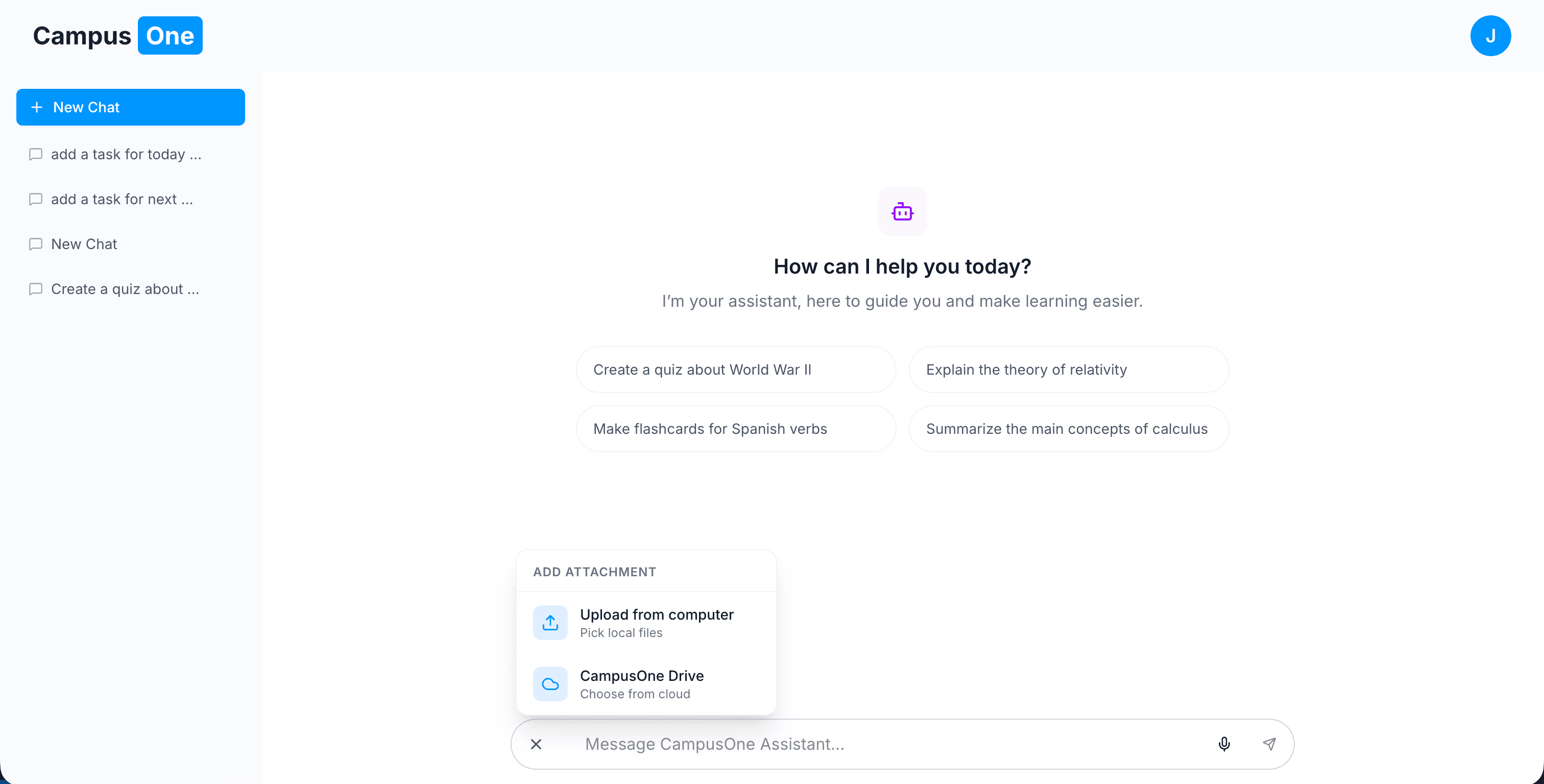
CampusOne is different. It uses tool-calling agents, but instead of the AI directly mutating data, it goes through a custom execution API for every action.
This means the model never directly writes to the database. Instead, it triggers structured tool calls like:
- generate quiz
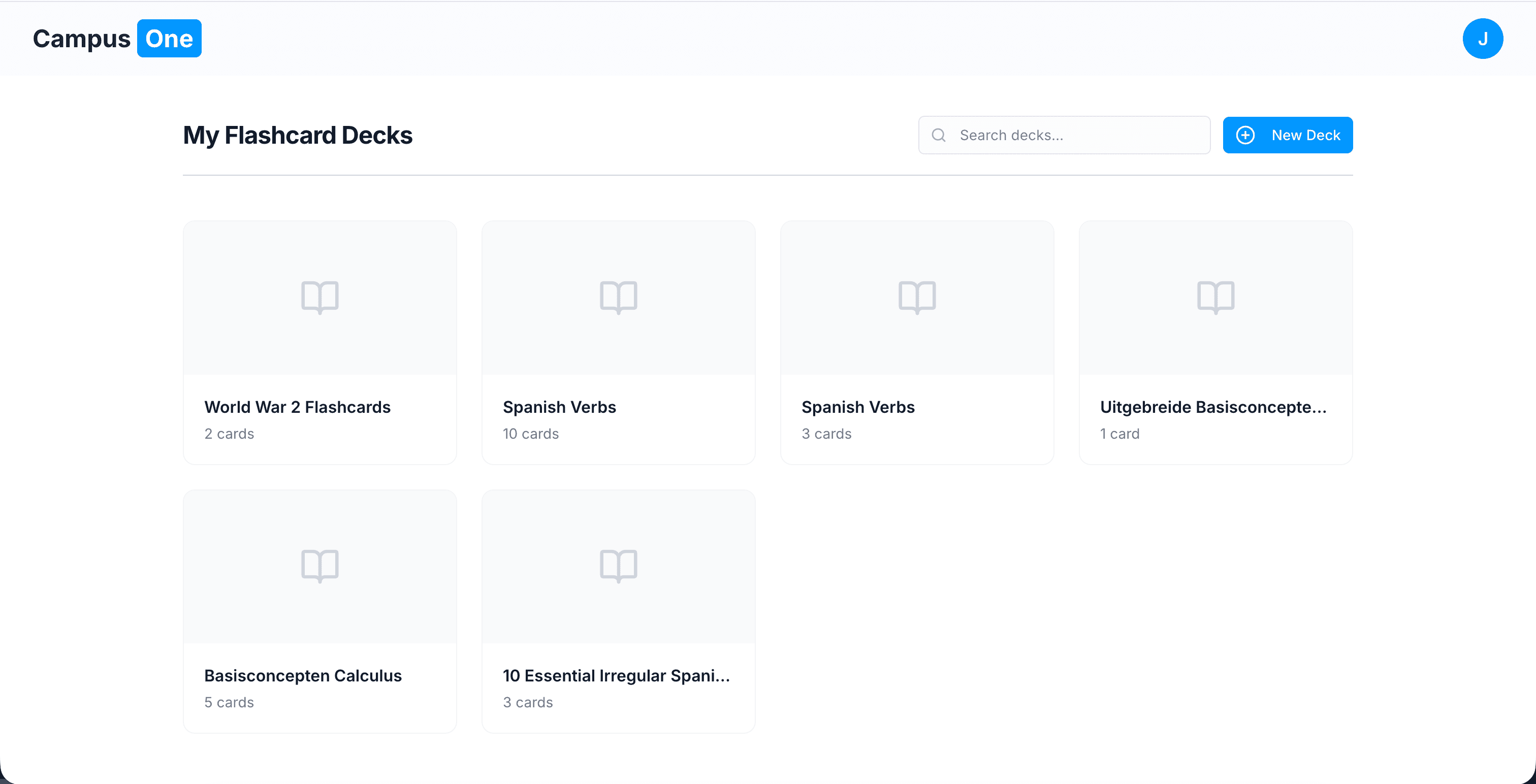
- create flashcards
- summarize document
- schedule task or event
These requests are handled by a controlled API that executes the logic safely and consistently.
I also implemented a constructive feedback system for cases where the AI makes an incorrect tool call, allowing it to correct itself and retry properly.
This design keeps the system flexible, testable, and decoupled from the AI layer.
The AI “Tool Layer”
Instead of giving the AI raw access to the system, CampusOne exposes a set of controlled capabilities through tool calls:
- Custom Search Layer: Restricted retrieval sources like Semantic Scholar, Wikidata, and Wikipedia to reduce hallucinations
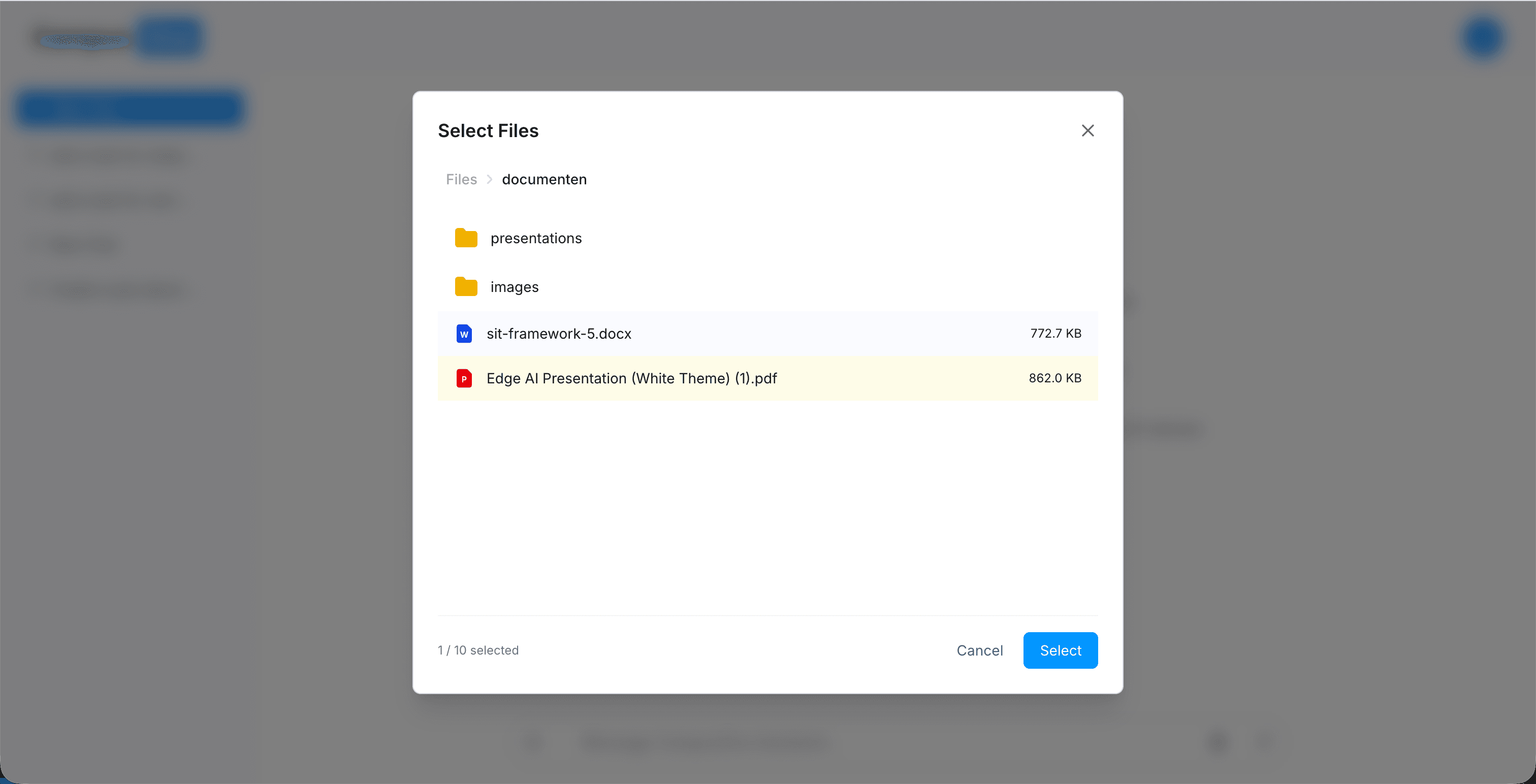
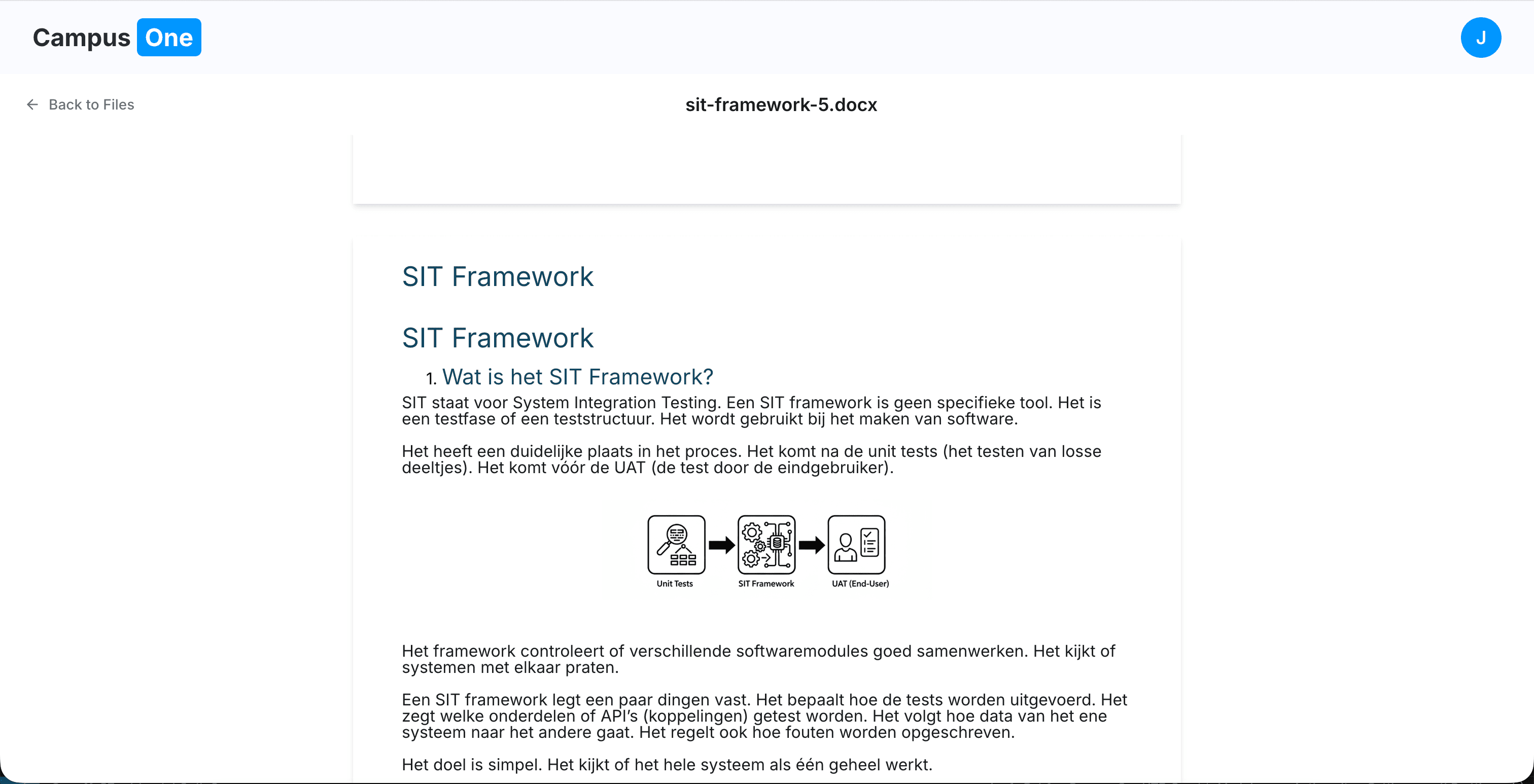
- Universal Reader: Parses PDFs, DOCX, PPTX, and HTML into structured data the model can work with
- Execution API (Tool Calls): A controlled interface where the AI requests actions, and the backend executes them safely
For example:
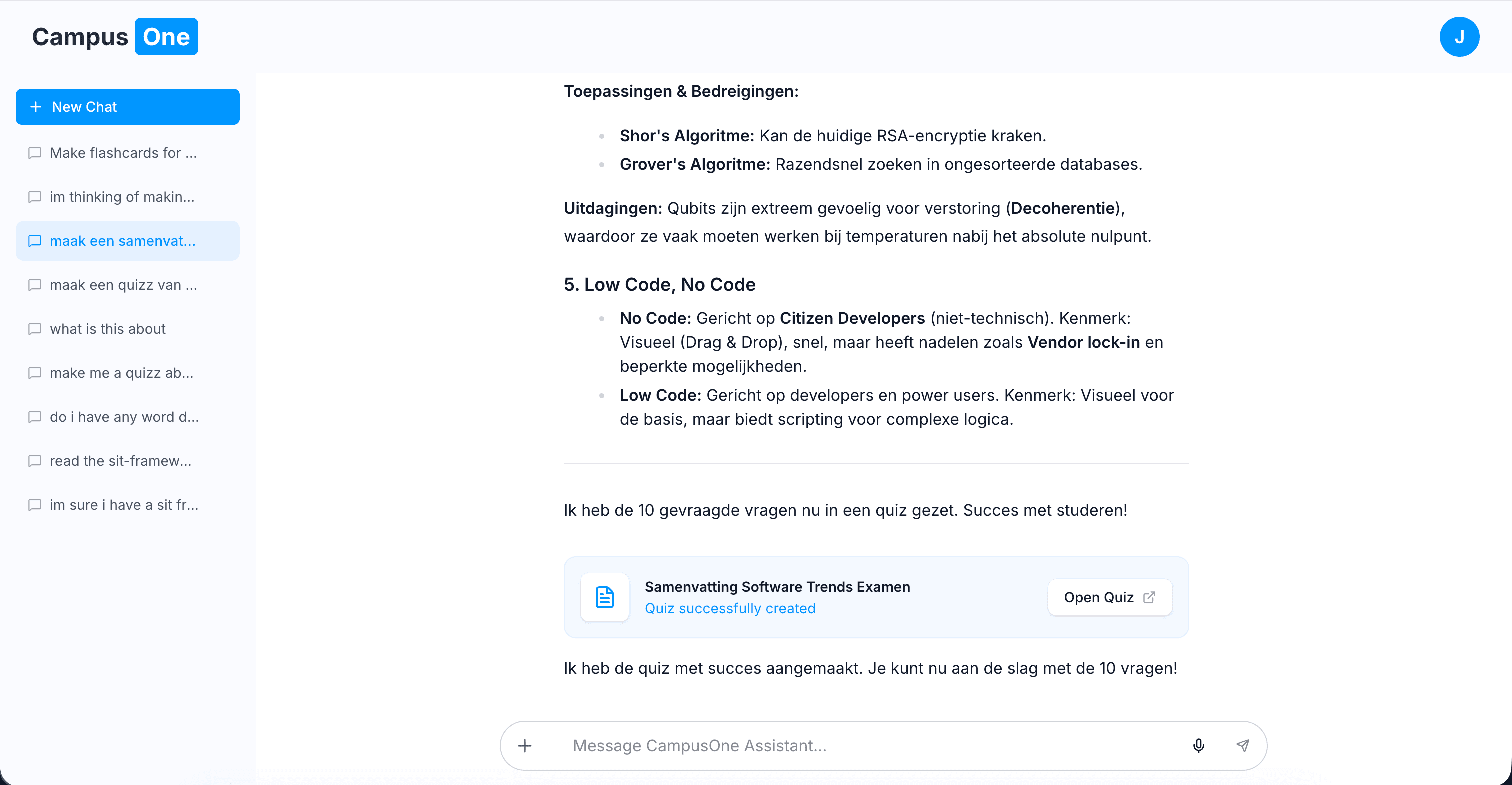
If a user says:
“I have a test on Friday, generate a quiz from my lecture notes”
The flow becomes:
- The AI reads the document via the reader tool
- It generates structured quiz data
- The backend processes and stores the result in the system
- The AI receives a response about the tool execution status
- Depending on the result, it can embed a link (e.g. to the generated quiz) in the chat
- The AI responds with a final message to the user
So the AI doesn’t “touch the database” directly it operates through a controlled abstraction layer.
System Design Philosophy
The system is not offline-first.
Instead, it is cloud-first but architected in a way that could support a future offline version without the AI layer.
This distinction matters:
- The AI requires backend connectivity
- The core system (files, study data, structure) is designed so it could later be decoupled and run locally
- The AI is an enhancement layer, not the foundation
This keeps the architecture flexible without locking it into AI dependency.
The Technical Deep-Dive
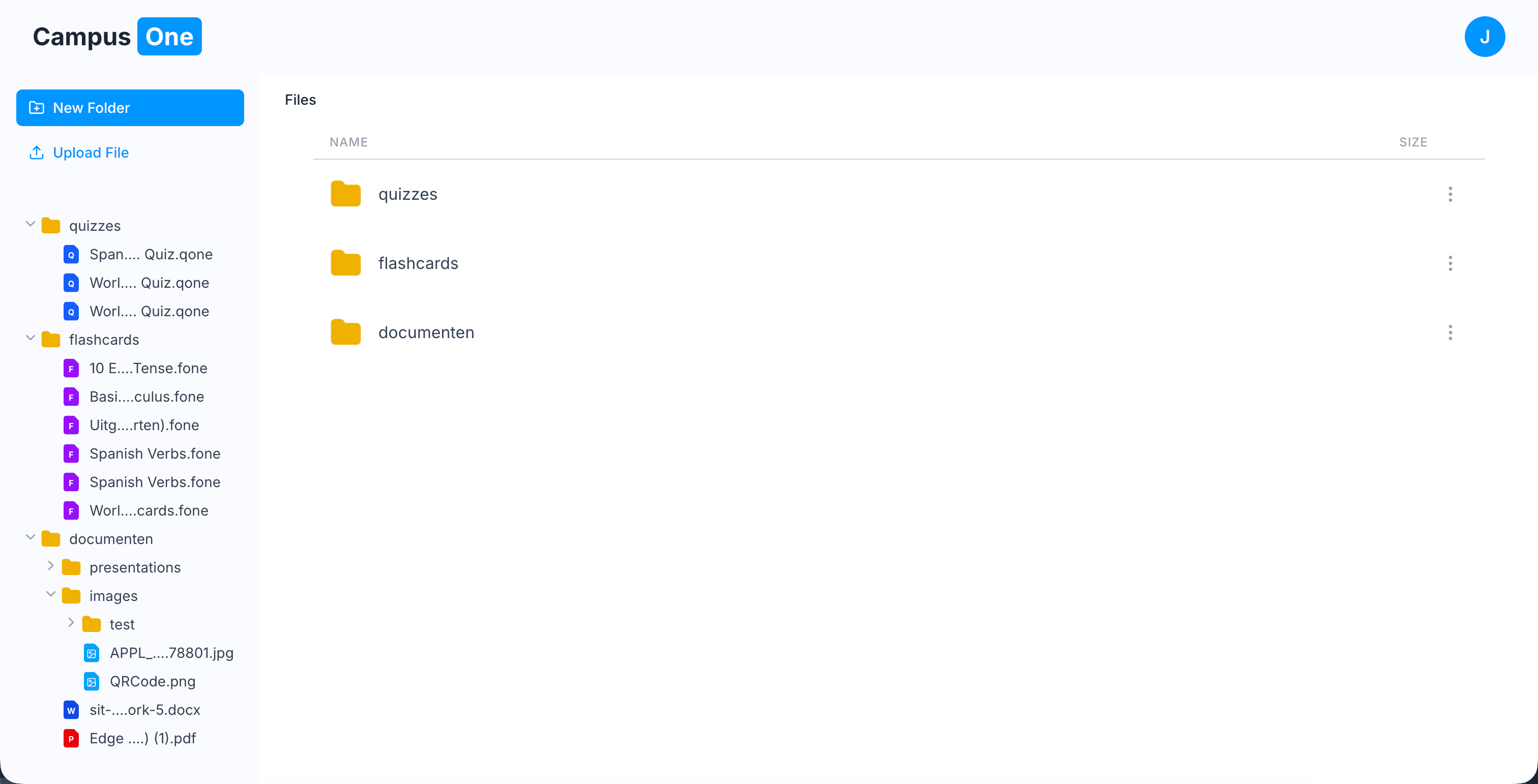
1. Custom Compressed File Formats: .qone and .fone
I wanted CampusOne to feel like a real productivity system, not just a web app web.
This led to custom file formats for storing study data.
Why not just a database?
- Portability: Students own their data and can download the file and share with others.
- Performance: A custom file header allows quick metadata reads (title, counts, preview info) without full parsing / there is also caching to lower prossessing power
- Future Flexibility: These formats can later be reused in a desktop or offline environment
2. LLM Pivot: Gemini to Groq (Llama 3)
The architecture evolved based on constraints.
I initially used Gemini because of its strong reasoning and large context window. However, rate limits quickly became a bottleneck during development.
So I pivoted to Groq’s Llama 3 implementation:
- Pro: Extremely low latency, almost “local” feel
- Con: More fragile tool-calling behavior, requiring stricter system prompts
This forced me to make the agent layer more deterministic and structured.
3. Intentional Design Decisions
Knowing what not to build was just as important:
- No Vector Database (RAG): Avoided complexity and cost. Instead, I used optimized keyword-based retrieval sufficient for student-scale datasets
- No MCP (Model Context Protocol): Too heavy for the timeline. I prioritized UX and system control over protocol standardization
The Workflow: AI-Assisted Development Loop
I didn’t build everything manually line by line.
Instead, I used an AI-assisted development loop:
- Define the goal
- Generate a structured plan
- Review and refine the architecture
- Execute implementation
- Test and iterate
This allowed me to focus more on system design and architecture rather than raw implementation speed.
To keep consistency, I enforced architectural patterns and coding rules across the system.
Lessons Learned
This project reinforced a few key ideas:
- The difference between a school project and a product is ownership of execution
- AI systems are only useful when their actions are structured and controlled
- Architecture matters more than features
- The real value comes from connecting systems, not building everything from scratch
CampusOne started as a mockup assignment. It ended as a working proof-of-concept for an AI-native learning system.
A Note: This is still only the surface. A deeper breakdown of the execution system, agent logic, and architecture would require a much longer breakdown.
Stack: Next.js, Supabase, LLM APIs (Gemini / Groq Llama 3), Custom Tool Execution API, Tailwind Total Dev Time: ~30 Hours