Orbicus: Building a Decoupled AI Agent Harness
A deep dive into building an agent harness from scratch. Features an isolated TCP core that powers a desktop app, a VS Code extension, and a CLI simultaneously.
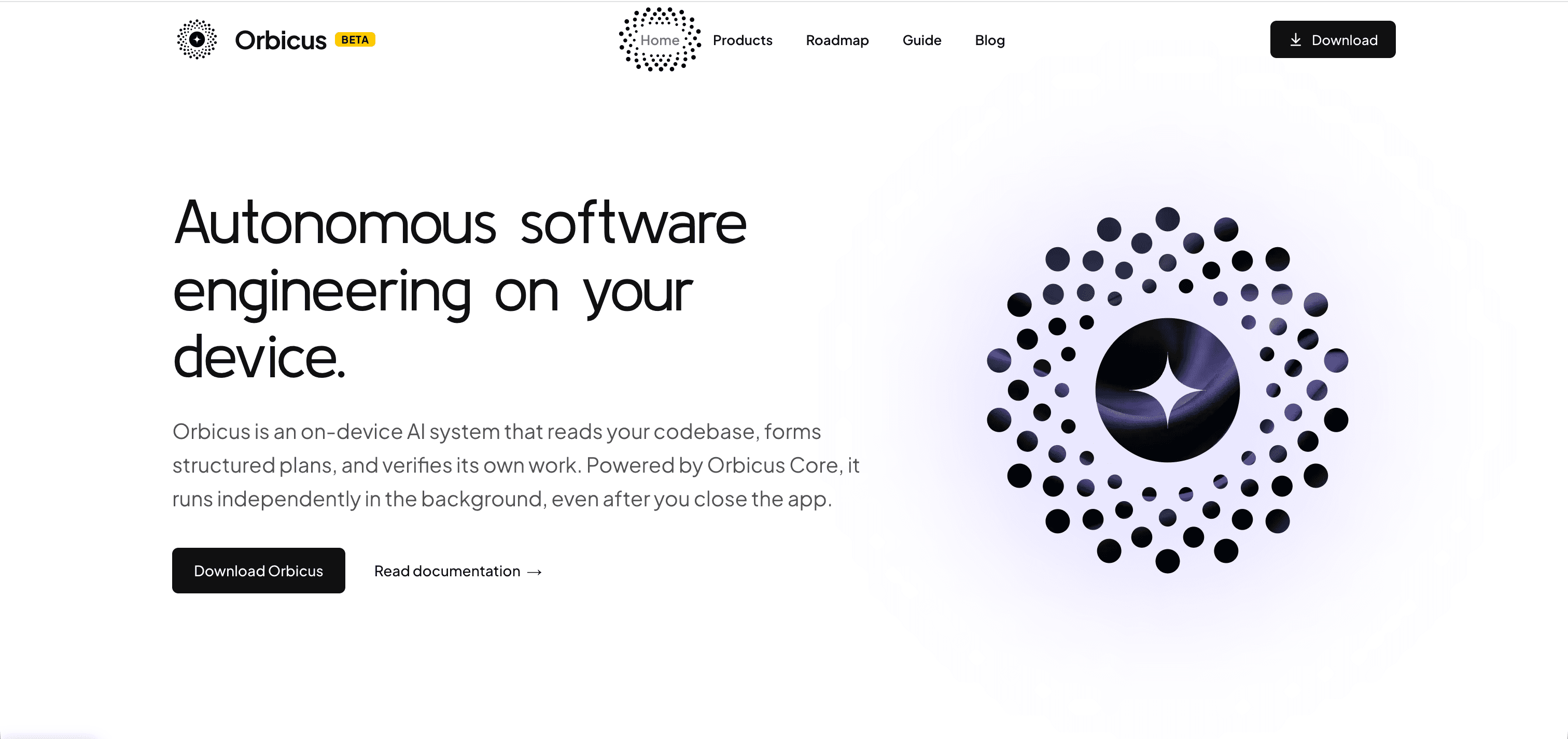
The Summary: https://orbicus.dev started as a curiosity project to see how agent harnesses work under the hood. As I kept building, it grew into an ecosystem: a standalone background core that runs the agent logic over TCP, connected to a dedicated desktop app, a VS Code extension, and a CLI. You can explore the project at orbicus.dev.
How It Started
I started Orbicus because I wanted to look deeper into how AI agent harnesses actually work. From the outside, tools like Cursor, Claude Code, or Antigravity look like straightforward chat interfaces. But once you start building one, you quickly realize how much orchestration is happening behind the scenes, and how quickly you run into architectural limitations with the way typical harnesses are built. That’s where the focus shifted to building a proper decoupled system.
The Architecture: Why Orbicus Core Lives in Its Own Process
In most setups, the agent logic lives directly inside the interface — whether that's an Electron window or an editor extension. If the editor reloads or the UI hitches, the agent dies with it.
I wanted something more flexible, so I split Orbicus into two distinct worlds:
orbicus-core: A standalone background process where the agents actually live and run.- The Interfaces: Lightweight frontends that talk to the core over standard TCP.
Because everything runs through TCP sockets, the core doesn't care what interface is talking to it. This allowed me to build three different ways to interact with the same agent engine:
- The Desktop App (Tauri): A dedicated, fast standalone app built with Tauri, React, and Tailwind CSS when I want full workspace views, session switching, and structured artifact cards.
- The VS Code Extension: For coding directly inside the editor without context switching.
- The CLI: A lightweight terminal interface for fast terminal-driven workflows or scripting.
Why This Setup Felt Right
- Multiple Interfaces at Once: You can have the desktop app and the VS Code extension connected to the core at the same time. You can view two different sessions side-by-side or watch the same session stream in real time.
- Remote / Headless Execution: Because the communication is just TCP,
orbicus-corecan run on a remote server with heavy resources, and I can just connect my local laptop interface or even a browser view to it. - Process Stability: If the desktop UI reloads or VS Code restarts, the agent running in the core keeps doing its work in the background without dropping state.
What Intrigued Me: Context Management & Dynamic Skills
Beyond just wiring up tools, two areas took up most of my research while building Orbicus:
1. Diving Deep into Context Management
Context management is easily one of the most fascinating parts of agent design. It’s easy to dump entire files and terminal dumps into a model until you look at the token bill or watch the model lose focus.
I spent a lot of time experimenting with how to budget tokens before sending prompts:
- Token Calibration: Measuring real-world token usage across different models and file types instead of guessing.
- Priority Slicing: When context gets tight, making sure the agent keeps active diffs, compiler errors, and relevant definitions while trimming old chat history.
- Pre-flight Checks: Catching oversized prompts before they hit the API, saving failed requests and wasted costs.
2. Dynamic Skill Retrieval
Most harnesses take every skill, tool definition, and system instruction they have and dump them into the system prompt on every single turn. That burns tokens fast.
In Orbicus, I experimented with dynamic skill retrieval — keeping skills modular and pulling in only the tools the agent actually needs based on what the user is currently doing.
What I Learned Building It
Building Orbicus taught me that the hardest part of AI tools isn't the model itself — it's the harness:
- Good architecture makes everything easier: Separating the core over TCP felt like extra work at first, but it made adding the CLI, VS Code extension, and Tauri app painless.
- Context is expensive: Without strict context management and smart truncation, agents degrade quickly on larger codebases.
- Keep it modular: Giving agents standard capabilities like MCP and skills, but wrapping them in a rock-solid process model, makes the whole developer experience feel reliable.
Tech Stack & Links
- Website: orbicus.dev
- Core: Node.js, Custom TCP Socket IPC, TypeScript, Zod
- Desktop App: Tauri v2, Rust, React, Tailwind CSS
- Editor Extension: VS Code Extension API
- CLI: Node.js terminal client
- Agent Protocols: Model Context Protocol (MCP), Anthropic & OpenAI APIs, Ollama